Nexting Devices · Quickstart
Start with Nexting
Understand the device–App–Agent connection, choose the path that matches what you own, and complete one trustworthy remote interaction.
Start here to understand what Nexting connects, where trust lives, and which first step matches the product or hardware you have. Building a reference board is an optional developer path—not the definition of a Nexting device.
How Nexting connects
encrypted BLE → trusted Nexting Host → Agent integration
CONNECTION MODEL
Many device shapes. One connection standard.
Devices, Host, Cloud, and Agents exchange messages and state over encrypted links.
Many Nexting device forms
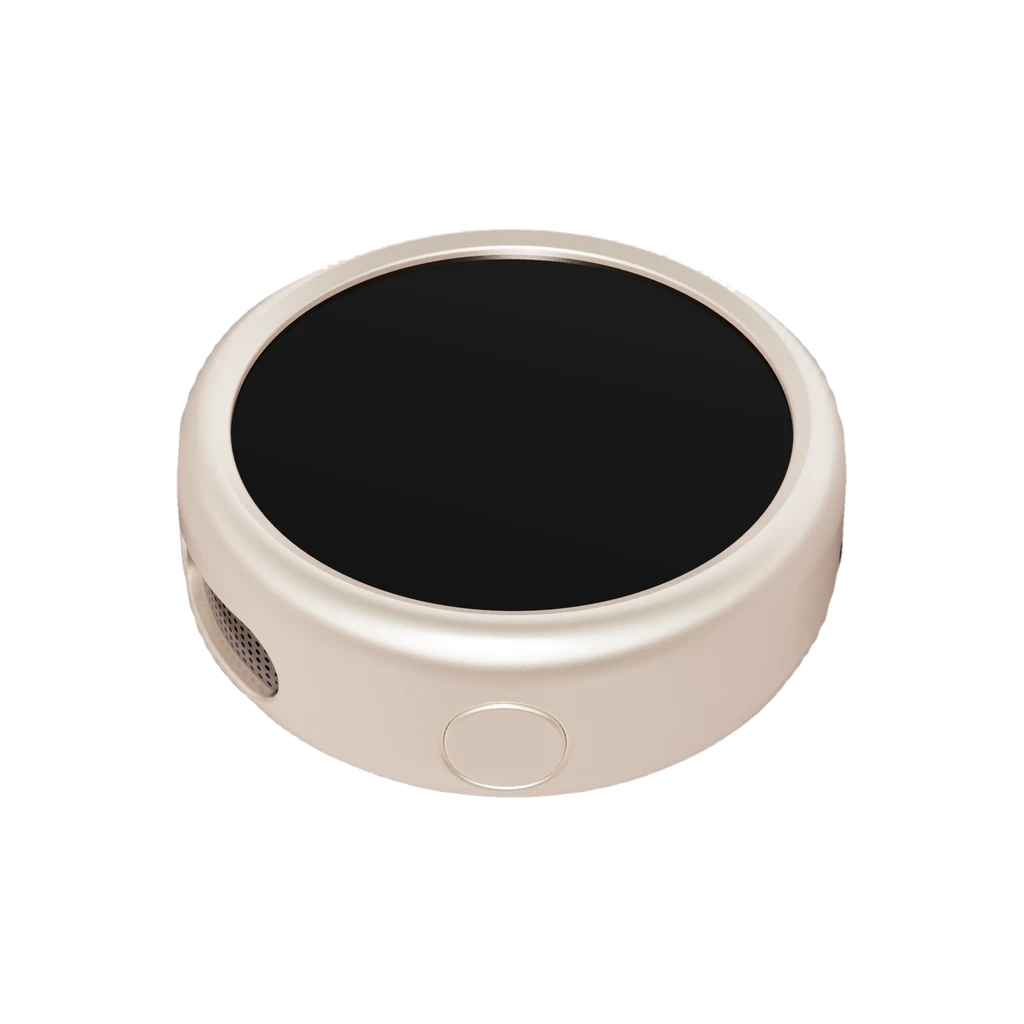
PIN
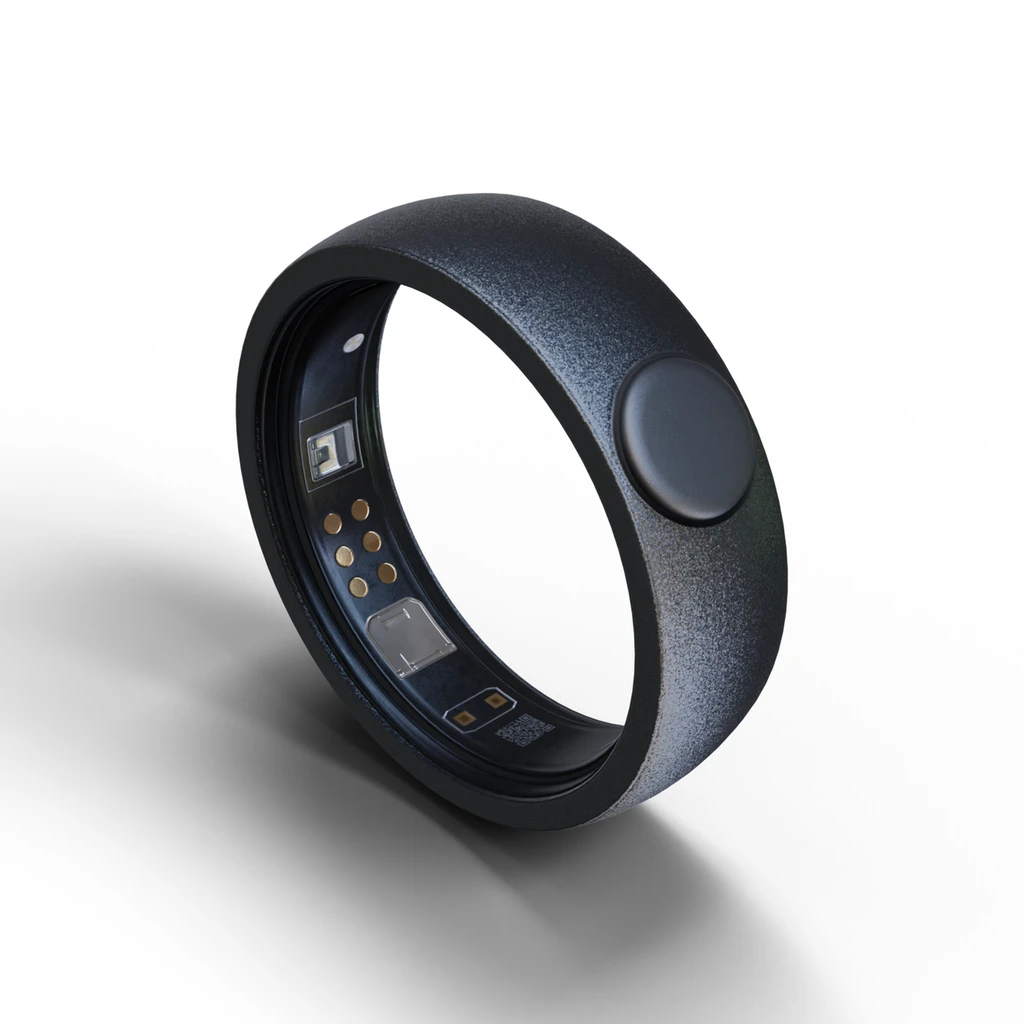
Ring
DIY
Nexting Cloud
Identity · routing · encrypted envelopes
Phone or computer · BLE terminates here
The cloud delivers envelopes, not Agent credentials
Nexting Agent integrations
One device protocol, many supported Agents

Claude Code

Codex
Grok
Cursor
OpenClaw
Arrows represent bidirectional message and state flow.
Your accessory never signs in to Claude Code, Codex, Grok, Cursor, or another Agent. It reports bounded physical intent to a trusted Nexting Host on a phone or computer. On the official path, the Nexting App is that Host; you do not install or build another one. Only developers building their own mobile, desktop, or alternative app would need a private Host implementation, which is not part of this public SDK. The official Nexting App authorizes the device, keeps credentials and sessions, and maps that intent to the selected Agent; the cloud carries encrypted envelopes and only the delivery metadata it needs.
| Layer | Responsibility | Keeps |
|---|---|---|
| Device | Physical input and minimum display state | No Agent credential |
| Trusted Host | BLE pairing, authorization, policy, and Agent mapping | Credentials and sessions |
| Nexting Cloud | Relays encrypted envelopes and delivery metadata | No Agent credentials |
| Agent integration | Claude Code, Codex, Grok, Cursor, or another supported adapter | Agent-specific state |
Choose your path
| Path | Start | First proof |
|---|---|---|
| Use a supported first-party Nexting product | Follow that product's in-App onboarding, connect the Agent, then pair and authorize the product. | The same Agent session receives one validated physical action. |
| Build with the Nexting SDK | Run the public protocol verifier before adapting hardware; you do not build a Host. | A deterministic profile exchange or PASS answer=... local protocol proof. |
firmware-tests. That is a local protocol proof, not a live Agent connection.First remote interaction
Connect the Agent
In the Nexting App (the official Host), choose the Claude Code, Codex, Grok, Cursor, or supported Agent session you want to control.Pair and authorize
Use the product's public onboarding flow. The Host verifies device identity and declared profiles before enabling actions.Trigger a mapped control
Approve a one-time request, move a selection, or send another declared physical event; the SDK does not prescribe which physical control performs it.Continue the same session
The Host validates freshness and policy, applies the mapped action, and sends only the resulting bounded state back to the device.
Allow and Deny are protocol choices, not fixed buttons. For a MultiPad, your firmware can map any key, encoder press, or other physical control toallow or deny. The SDK defines the meaning sent over the link, not the device shape or key layout.
A first-party product can complete this path when its public onboarding supports the selected Agent. DIY hardware should first prove approval/1 with the public Host verifier; this does not require building a Host. It becomes a remote Agent control only after public developer enrollment is available.
What is a Host, and who needs to build one?
A Host is not another program users need to download or build. On the Nexting path, the official App already provides Bluetooth, device authorization, credential protection, session selection, and Agent mapping. This public SDK documents the device side; custom App/Host implementations are private product work and are not a supported installation path.
| Host responsibility | Why it matters |
|---|---|
| Keep credentials and authoritative sessions | Accessory firmware never receives Agent sign-in material or internal account/session routes. |
| Authorize identity and declared capabilities | A device name or BLE advertisement alone cannot grant control. |
| Apply risk and freshness policy | Expired, duplicate, replayed, revoked, and undeclared input fails closed. |
| Map generic physical intent | Agent behavior can evolve without reflashing every accessory. |
Security in one minute
The nearby link uses BLE LE Secure Connections and encrypted GATT control traffic. The Host sends minimum, bounded profile data and remains the only layer that can authorize a device action against an Agent session.
Next: choose by your goal
If you are only using a finished device, stop after installing the Nexting App and connecting it. You do not build a Host. The table below gives the single entry point for each other goal.
| Your goal | What you actually do | Entry point |
|---|---|---|
| Use a finished device | Install the Nexting App, sign in, scan, and connect; do not build a Host. | Open App Store |
| Adapt device firmware | Implement the Device SDK and verify public profiles; Nexting App provides the Host. | Device firmware · C99 |
| Inspect the protocol and vectors | Read message formats, limits, and compatibility rules. | Wire protocol |